Digital Marketing Specialist, Social Media Consultant,
and Tech Geek at Heart

Home >

Posts tagged as:

gmail

Email Overload: The Secret to Getting Inbox Zero Every Time

September 20, 2011

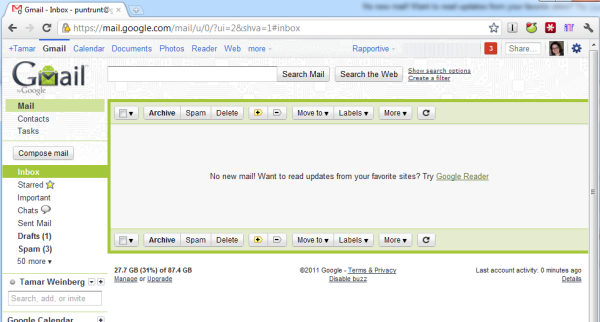
I hit inbox zero for the sixth or seventh time this week in not one but two email accounts which feed in 13 email addresses total. Once an impossibility, it’s now an everyday occurrence. In fact, it’s now a true mindset. Because I’ve streamlined this process so well, I figure other people would benefit from my tips to make inbox zero a true reality. This is especially important as web users have the expectation of fast replies in our fast paced social media world.  My workflow works great, so I’m offering the below to those of you who may want to use these tips for their own internal processes.

Inbox Zero

Use a Conversation Email System

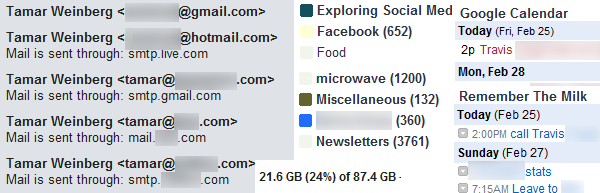
This solution really is best suited for those using Gmail. In my case, 12 email accounts are fed through one gmail.com account. (I also have a dedicated Google Apps account for my Mashable emails.) Why is this so important? Gmail’s mail system offers the tools needed to be an email ninja: labels and threaded emails. Plus, its shortcuts (A for archive) make management a snap.

Read the full article →

The Productive Online Business Toolbox: My Must-Have Tools

March 22, 2011

As many of you know, I’m a work at home mom who operates as a consultant, ad sales manager for Mashable, and soon-to-be startup founder all from one single Dell laptop which I use as a desktop. Having a home office is both a blessing and a curse; the ability not to commute makes my life easier and saves me about 3-4 hours per day. However, that also means I’m working from morning until night. While some would like to have a defined 9-5 schedule, I do not, and I actually thrive in this environment.

I don’t think that’d have been the case without the web-based toolbox and the PC apps that have saved my life more than once. Hopefully, they’ll do the same for you. Here’s a list of what I use that makes me productive, from time savers to the must have tools that rock my world.

Gmail

I still talk to so many people who use Outlook. It’s a nice tool but it’s not as portable as Gmail, and I stick by it. Here are my tips for the best use of Gmail:

  • Use Gmail as a one-stop destination. Currently, I use Gmail as the exclusive “destination” for 11 email accounts.
Read the full article →

Take Advantage of a Flop by Spamming

October 19, 2006

With all of Orkut’s failures, there’s still nothing that Google is doing to drive its visitors to the site. Obviously, the plan is to give it a slow and painful death.

With my 5 friends and inactivity on my account, I’ve received a flurry of emails in the past 2 days notifying me that someone (unnamed, usually just a hyphen) has signed my wall. I decided to sign onto my inactive account and witnessed a bunch of unnecessary (and, in most cases, not even in the English language) spam with links.

I deleted the spam, but I’m certain there will be more as time progresses.

I’m surprised that Google, which is so good about combating (or at least acknowledging) spam on Gmail, decided to let their social networking site suffer this fate. There is no requirement to be someone’s friend to sign their wall, which is a prerequisite to post testimonials on Facebook and MySpace. And it’s also a shame they did nothing to make it popular, because Orkut is pretty fast (unlike MySpace) and would have had potential back in the day.

Well, at least some people are utilizing it for personal gain.

Read the full article →

Inside Peek into Windows Live Mail Beta

October 11, 2006

I don’t know why, but I still use Hotmail as my primary email provider (well, 97% of all my Internet accounts are tied to my Hotmail address). I’ve had a few gripes with spam management, primarily in Microsoft’s inability to whitelist email address that I time and time again continually add to my whitelist. (I have my spam protection on low, but apparently that’s an abnormal thing to do because everytime I go to my Junk Email folder, Microsoft asks me if I’m sure I want to stay on that setting.)

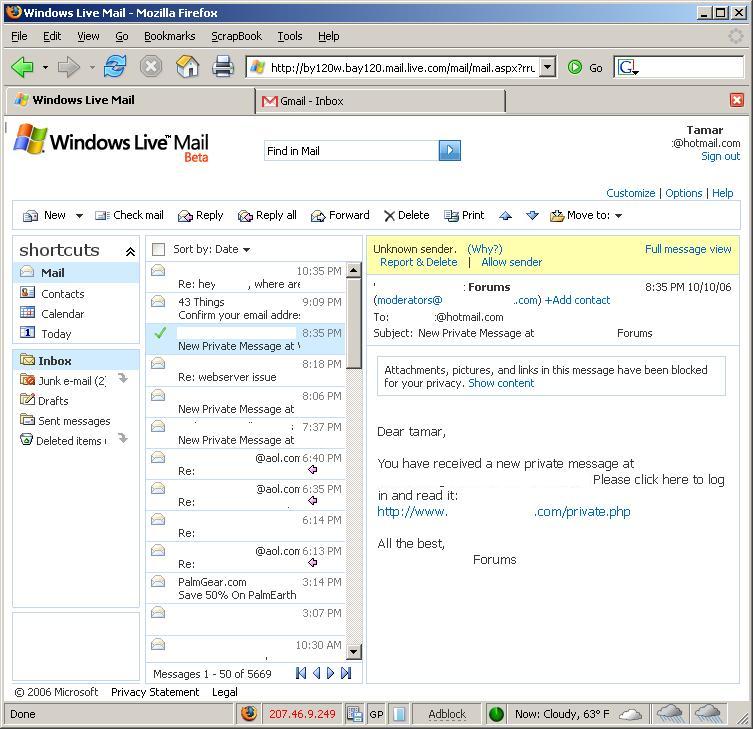
Perhaps Microsoft finally decided to roll out something that will improve upon its lousy spam data mining algorithms, or it was more concerned about making an enhanced GUI that likens Microsoft to Gmail and Yahoo! mail (both of which are superior, and the latter of which is in its own beta program as well).

In any event, the new interface feels like Outlook Web Access, a feature for Microsoft Exchange. Fortunately, it also feels like OWA for Exchange 2003.

Microsoft Windows Live Mail Beta Screenshot

I’ll play around with it a little more and give my opinion, but so far, I am beginning to like this new interface and only hope Microsoft can fix their spam detection; it’s worse than having no spam protection at all!

Read the full article →